Ubuntu Desktop Explained: GNOME, Wayland, Sway and Hyprland
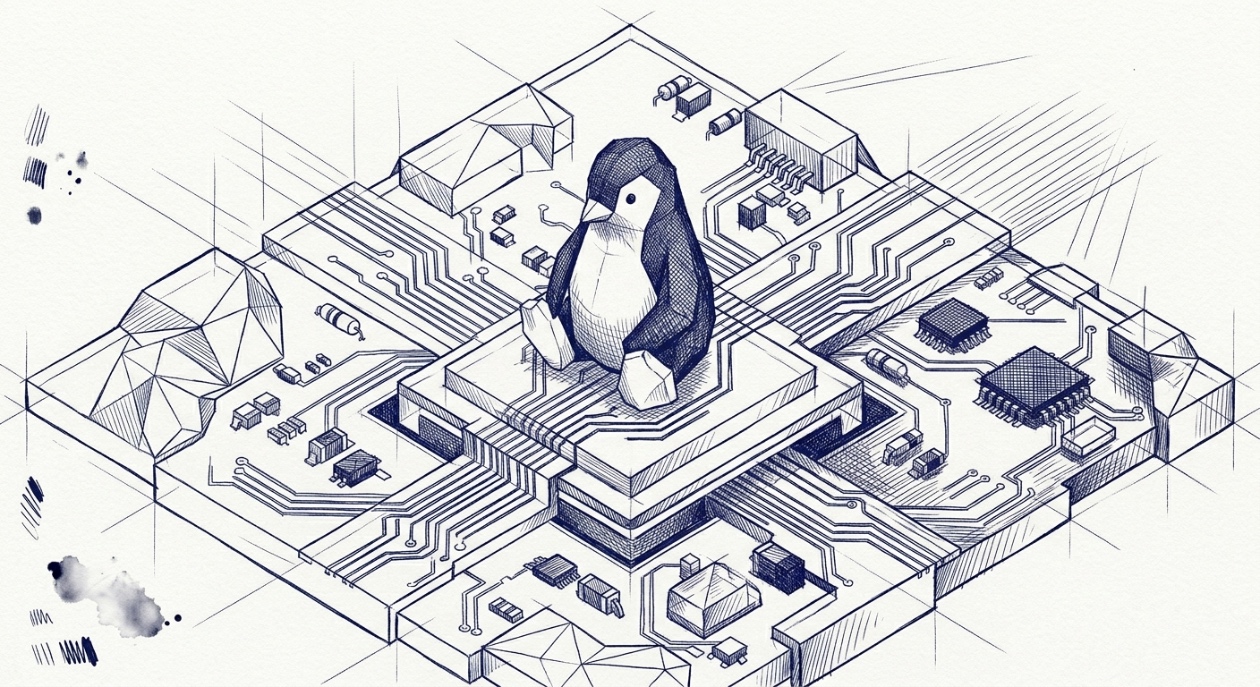
Installing Ubuntu is easy: download an image and follow instructions. But after installing it, you face a completely different system: different hotkeys, applications and settings. For example, when you are tuning your system you run into necessity to use App Center - the equivalent of the Mac App Store as well as Extension Manager. Why and when do you need to use each of them?
There are important details you need to know to get things done. On Linux, the desktop solution is composed of separate layers, unlike macOS where everything is tightly integrated.
Here's the stack from bottom to top:
text1User Apps (Firefox, VS Code, Terminal...)2 ↓3Wayland Compositor (Mutter/GNOME, Sway, Hyprland)4[Acts as both Window Manager & Display Server]5 ↓6Linux Kernel + GPU Drivers
Linux Kernel
The Linux kernel is written almost entirely in C, with heavy use of GCC/Clang-specific extensions. C gives you control over memory layout and no hidden behaviour. The kernel has its own memory allocator and its own data structures.
The kernel also officially accepts Rust as a language for writing drivers. It's still a small fraction of the codebase and its adoption remains actively debated within the kernel community.
At the lowest level, small critical sections (CPU initialization, context switching, interrupt handlers) are written in Assembly.
How the Kernel Works
The kernel is code that gets executed in privileged mode whenever the hardware or user's apps demand it.
Whenever kernel code is executing, the CPU is in kernel mode. Whenever a user's app is executing, the CPU is in user mode. The mode switches constantly: thousands of times per second, driven by syscalls, hardware interrupts, and the scheduler.
When Firefox wants to open a file, it doesn't touch the disk directly, it makes a syscall, which crosses into kernel space, and the kernel then handles the request through the filesystem and storage stack.
text1User Mode → user's apps, GNOME, Firefox2 ↓ syscall (crosses the boundary)3Kernel Mode → memory management, scheduling,4 drivers, filesystem, networking5 ↓6 Hardware (CPU, GPU, RAM, NVMe...)
Display Protocol
A display protocol defines how applications communicate with the display system: what messages are exchanged, in what format, and with what semantics.
X11 is the older display protocol used by applications to communicate with the X server.
Wayland is a modern display protocol, it defines how applications communicate with a compositor. Unlike X11, which routes everything through a separate X server, in Wayland a compositor handles both jobs, which eliminates the extra process.
The Desktop Layer
The desktop layer can be a full desktop environment like GNOME, or a minimal compositor like Sway or Hyprland.
GNOME is Ubuntu's default desktop environment. It's a collection of components: a file manager, a settings app, a notification system, and a login screen. GNOME Shell is the UI layer that provides the top bar, activities overview, and notifications. GNOME Shell runs on top of Mutter, the Wayland compositor responsible for window management and compositing..
Sway is a tiling window manager and Wayland compositor.
It provides interface without a full desktop environment, where windows don't float by default like on macOS/GNOME. They automatically tile to fill the screen, side by side. You manage everything via keyboard.
Hyprland is similar to Sway in purpose (tiling WM + Wayland compositor), but it's newer and focuses on animations, visual polish, and extensibility.
Installing Applications
Once you understand the architecture and have Ubuntu installed, what is next? You can install applications via the apt command, the App Center or other systems of distributing applications.
App Center
This is the equivalent of the Mac App Store. It installs things you run: browsers, code editors, games, etc. Under the hood it handles:
- Snap packages — Ubuntu's default sanboxed format
- Deb packages — the classic Ubuntu/Debian format
Flatpak
Flatpak is another system for packaging and distributing desktop applications on Linux. Flatpaks run in isolation from the rest of the system, with limited access to files, network, and hardware unless you explicitly grant it.
Ubuntu heavily pushes Snaps and the modern App Center strongly prioritizes them. But some Linux desktop users prefer Flatpaks. App Center does not handle Flatpaks out of the box, install the flatpak package with apt terminal command.
Extension Manager
When you need to customize GNOME Shell itself - the part that draws the visible desktop elements - you need the Extension Manager. It can feel like the App Center, but it is different. It is used for system UI tweaks rather than installing standalone software.
And extensions there are small JavaScript plugins that run inside GNOME Shell's process and can modify any part of that UI:
- Change window behaviour
- Add new keyboard shortcuts
- Modify the Activities overview
They come from extensions.gnome.org, not from Ubuntu's repos, which is exactly why they need their own dedicated manager.
GNOME also supports machine-wide extensions under /usr/share/gnome-shell/extensions.
Summary
Coming from macOS, the biggest mental shift is that the Linux desktop is a stack of independent, swappable layers. Start with GNOME, as it provides the closest to macOS experience and works out of the box. Once you're comfortable, you can explore tiling compositors like Sway or Hyprland, a completely different way of working, driven by keyboard and configuration files.