Building Isolated UI Components for Browser Extensions
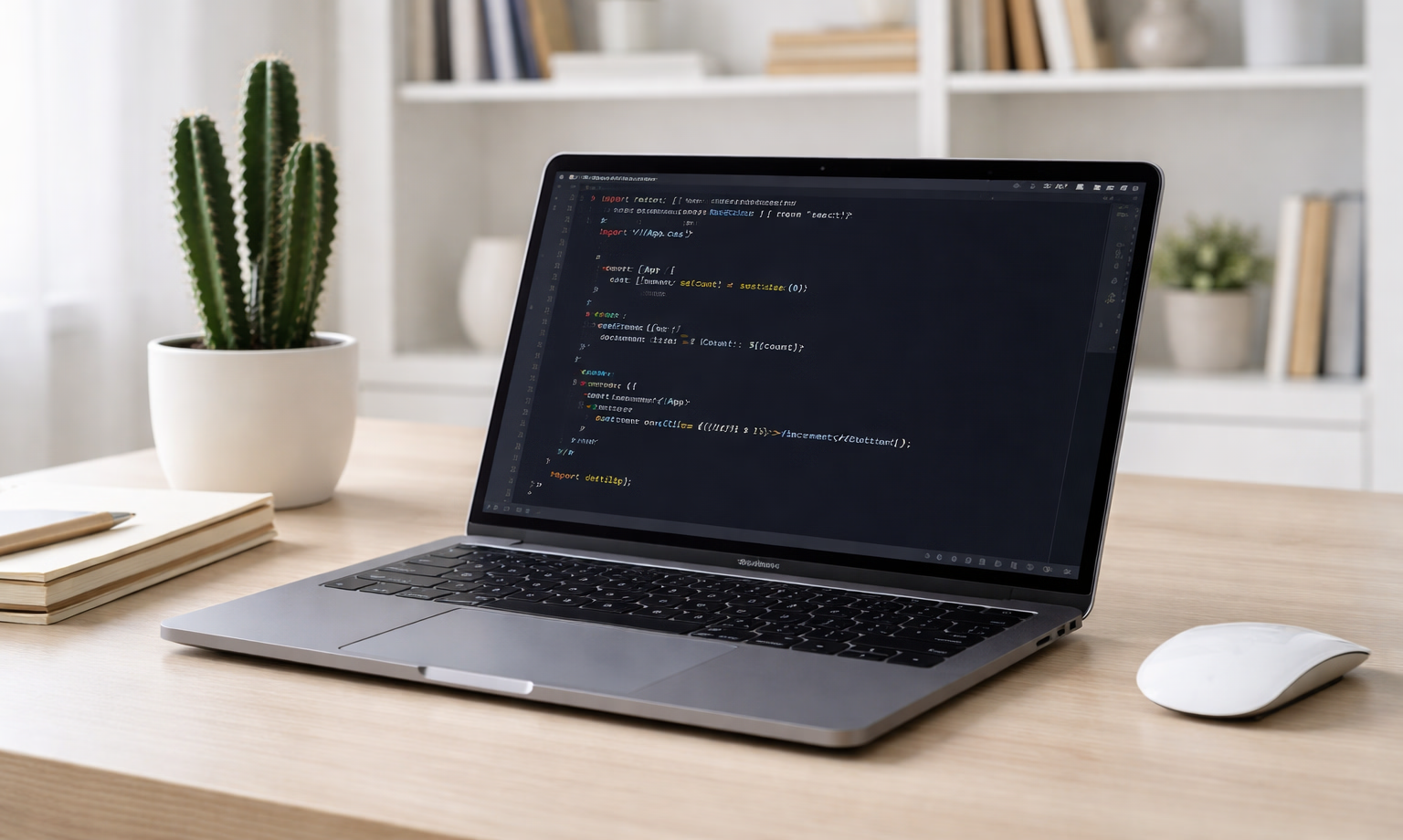
In the previous article, we learnt the essentials of building browser extensions including the Manifest file, Content scripts, Background service workers, Popup/Options pages and set up a development environment using Vite and CRXJS. We left off with a "Hello World" message logging to the console.
Now, it’s time to build the actual button and inject it into the page. The complete solution is available on GitHub. In this article, I'll focus on the key challenges that apply to any browser extension: DOM isolation, cross-browser compatibility, and safe content injection.
The technologies we'll cover: Shadow DOM and constructed stylesheets are the standard for building self-contained widgets and micro frontends.
Shadow DOM Isolation
Browser extensions inject code into pages they don't control. When you inject HTML into a web page, your styles can interfere with the page's existing styles, and vice versa. For example, your button’s background color can override the host’s design, or the host’s web page can modify your element. This creates a problem: how to add UI elements without styles breaking the page or the page's styles breaking your extension?
When you need a component that lives inside a page but must keep its own markup, styling, and behavior isolated, the Shadow DOM is your best friend. Shadow DOM creates an encapsulated DOM tree that's isolated from the main document.
Building with Templates
You can build a Shadow DOM component using the Shadow DOM API and the <template> HTML element. The template element is part of the Web Components specification and is used to declare and store HTML fragments to use them later. During rendering, the template element represents nothing. Meaning, the browser ignores it until it's cloned into the document. Templates are parsed by the browser only once - when the document is parsed, and then you clone an already parsed DOM subtree. This is especially efficient for extensions that inject many instances into a page. They also help separate concerns by avoiding creating large blocks of HTML inside JavaScript.
This makes them perfect for building reusable components. You can create a standard HTML file for your component and import it as a raw string using Vite's ?raw suffix.
javascript1import buttonHTML from './copy-button.html?raw';23const template = document.createElement('template');4template.innerHTML = buttonHTML;
Note: Using innerHTML is only safe if you deal with static content from your codebase. Otherwise, consider a different approach or sanitize inputs to prevent XSS attacks.
Creating the Shadow Host
Because we built the Template imperatively in JavaScript, using createElement, we need to manually initialize the Shadow Root on our host element. Use attachShadow to attach the shadow root to the host:
javascript1const host = document.createElement('div');2host.className = CONFIG.shadowHostClass;3const shadowRoot = host.attachShadow({ mode: 'open' });
Next, we must clone the template's content to render it. Remember that a <template> itself represents nothing during rendering. To move the HTML into the shadow tree, we do a deep clone of the template's DocumentFragment:
javascript1const clone = template.content.cloneNode(true);2shadowRoot.appendChild(clone);
The mode: 'open' parameter makes the shadow root accessible via JavaScript, which is what you typically want for browser extensions.
Styling Shadow DOM
Once you have a shadow root, you need to style it. There are three approaches: inline <style> tags, CSS imports and a constructed stylesheet.
A constructed stylesheet is a stylesheet created programmatically using the CSSStyleSheet() constructor. Then it can be shared between ShadowRoot instances using adoptedStyleSheets API.
javascript1import copyButtonStyles from './content.css?raw';23const sheet = new CSSStyleSheet();4sheet.replaceSync(copyButtonStyles);
It is not fully supported in Firefox due to how Firefox isolates extension content scripts from the main page. It uses Xray vision security architecture to run content scripts in isolated compartments, and passing a CSSStyleSheet to a ShadowRoot throws a cross-compartment security error. So we need a fallback:
javascript1function applyStyles(shadowRoot, sheet) {2 try {3 shadowRoot.adoptedStyleSheets = [sheet];4 } catch (e) {5 const style = document.createElement('style');6 style.textContent = copyButtonStyles;7 shadowRoot.appendChild(style);8 }9}
Adding Functionality: The Clipboard API
In Shadow DOM event listeners are attached to the elements inside the shadow tree. Events "bubble" out of the shadow root but they undergo event retargeting. This means, for the main document they look like they came from the host element, not the button inside.
To make the button functional, we use the Clipboard API (navigator.clipboard). It is asynchronous, promise-based clipboard interface that can read/write text and richer data types with. It requires secure context (HTTPS) and transient user activation (user gesture) or explicit clipboard permissions.
The older document.execCommand('copy') is deprecated. Modern extensions should use the Clipboard API.
javascript1button.addEventListener('click', async (e) => {2 e.preventDefault();3 e.stopPropagation();45 const codeText = getFormattedCodeText(targetContainer);6 const ok = await copyTextToClipboard(codeText);78 button.classList.toggle(CONFIG.copiedClass, ok);910 // Provide visual feedback11 if (statusNode) {12 statusNode.textContent = ok ? 'Copied.' : 'Failed to copy.';13 }1415 setTimeout(() => {16 button.classList.remove(CONFIG.copiedClass);17 if (statusNode) statusNode.textContent = '';18 }, CONFIG.copiedTimeout);19});
The copyTextToClipboard utility function handles the actual clipboard operation (see the full implementation in the GitHub repo).
Summary
When injecting UI into a document you do not control, the fundamental problem is lack of isolation. In this article, I discussed UI isolation mechanisms, focusing on Shadow DOM and Web Components as platform-level encapsulation primitives.
This is not about building a button. It is about techniques used to build isolated, reusable components using standardized web APIs.
When building browser extensions, consider isolating isolating your UI from the main page DOM to improve user experience. Shadow DOM protects your extension's UI from page interference and vice versa.
The complete implementation, including utility functions, configuration, and CSS, is available GitHub.